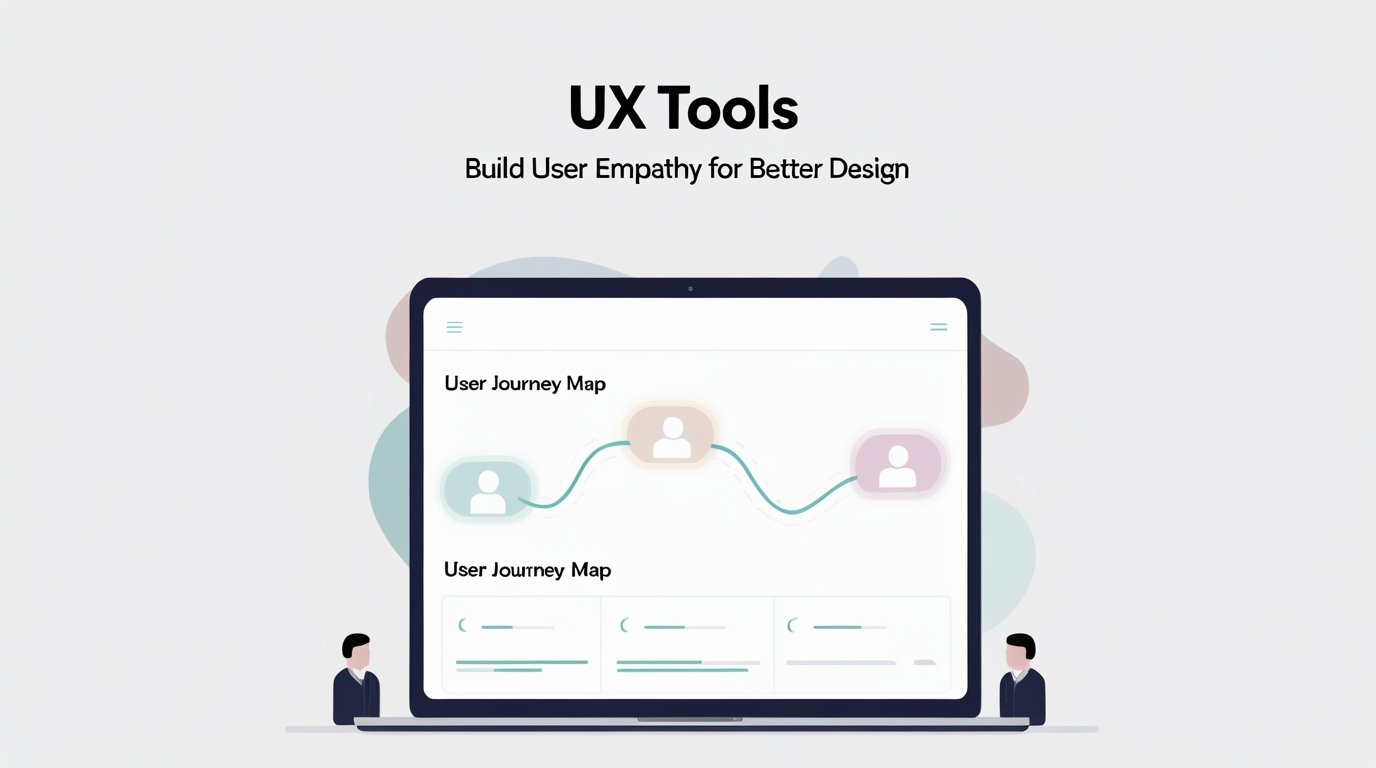
Alright, let’s be honest for a second. How many times have you been in a meeting where someone says, “We need to be more user-centric,” and everyone nods, and then… nothing really changes? We go back to our desks, open Figma, and design based on what we think is best, or what the product manager spec says. I’ve been there. It’s easy to get trapped in the bubble of your own assumptions. But here’s the uncomfortable truth: if you’re not building with genuine empathy, you’re just decorating a problem. Today, we’re not just talking about tools. We’re talking about weapons against arrogance. Weapons that help you tear down your own biases and truly see the world through your users’ eyes.
The Empathy Gap:
Before we touch a single tool, we have to diagnose the disease. The empathy gap. It’s that quiet chasm between what we think the user experience is and what it actually is. It shows up in a few ways:
- The “Everyone is Like Me” Fallacy: You’re a tech-savvy designer. Of course, you know to hover over that icon to see the tooltip. Your user might not.
- The “Expert Blind Spot”: You’ve been working on this app for nine months. You know every flow, every menu. A new user is seeing it for the first time. What’s obvious to you is invisible to them.
- The “Data Drizzle”: You have a chart that says “70% of users completed the flow.” Great. That tells you what is happening. It tells you nothing about why the 30% dropped off. Were they confused? Frustrated? Did their cat jump on the keyboard?
Empathy is the bridge across that gap. And the right tools are the building materials.
The “Before You Design” Toolkit:
This is the most overlooked phase. We jump straight into pixels. Mistake. Empathy starts before a single line is drawn.
1. User Interviews:
Forget the fancy software for a minute. The single most powerful tool you have is a conversation. But not a leading, “don’t you love our new feature?” conversation. A deep, open-ended, empathetic interview.
- The Boss Move: Ask “Why?” Five Times. User says: “I find the checkout process confusing.” You ask: “Why?” They say: “Well, I wasn’t sure what to put in the promo code field.” You ask: “Why were you unsure?” They might say: “It was labeled weirdly, and I thought I might need a code from somewhere else.” Bingo. You’ve just moved from a vague feeling (“confusing”) to a specific, actionable insight (“the label ‘Promo Code’ is causing anxiety”). This simple technique uncovers root causes, not just symptoms.
2. Dovetail or EnjoyHQ:
Okay, now for some software. If you do more than a couple of interviews, your brain will turn to mush. You’ll forget the golden nugget user #3 said. Tools like Dovetail are your external brain. They let you upload interview recordings, transcribe them, and then tag clips with themes like “Frustration with Search” or “Confusion around Billing.” Suddenly, instead of relying on memory, you have a searchable database of user pain points. It’s empathy, organized.
The “While You’re Designing” Toolkit:
This is where the rubber meets the road. You’re in Figma, but you’re not designing in a vacuum.
1. Figma Prototyping:
A static mockup is a lie. It hides the friction of interaction. A clickable prototype, even a crude one, is a truth serum.
- The Boss Move: Test the Happy Path… and the Sad Path. Don’t just prototype the perfect user journey. Prototype the errors. What happens when someone enters the wrong password? What does the “empty state” look like when someone has no projects? By forcing yourself to design for the mistakes, you build empathy for the user’s moments of frustration. You feel their pain before they do.
2. Maze or Useberry:
You think your prototype is intuitive. Let’s check that ego. These tools plug into your Figma prototype and let you send a link to real users (or testers) with specific missions: “Please find the settings menu and change your password.” You get back a video of their screen, a click heatmap, and a quantifiable success rate. Watching someone struggle to find a button you thought was obvious is a humbling, empathy-building experience like no other. It turns “I think” into “I know.”
The “After You’ve Launched” Toolkit:
Your product is live. The work of empathy isn’t over. It’s just beginning.
1. Hotjar or FullStory:
Analytics tell you the “what.” Session recording tools tell you the “why.” Watching a recording of a real user session is like being a ghost in the machine. You see their mouse hesitate over a button. You see them quickly scroll past the important information you spent days on. You see them get stuck in a form field. It’s raw, unfiltered empathy. You’re not interpreting data; you’re witnessing behavior.
2. Sprig or Wynter:
Instead of waiting for a big research project, embed micro-surveys directly into your product. After a user completes a key action, a small, non-intrusive survey pops up: “Was this what you were expecting?” or “How easy was that to do?” This is like having a constant, low-volume feedback loop with your users. It builds empathy by keeping their voice in the room every single day.
Your Most Important Tool is Humility:
Here’s the thing. You can have all the tools in the world, and it won’t matter if you approach them with a closed mind. The ultimate UX tool for building empathy isn’t software. It’s humility.
- Assume You’re Wrong. Go into every user test, every interview, assuming your design has flaws. Your job is to find them.
- Listen to Understand, Not to Reply. In interviews, fight the urge to explain or defend the design. Your mouth should be closed most of the time.
- Celebrate the Pain Points. When you find a usability issue, don’t get defensive. Get excited! You just found a gold nugget. You just learned something that will make your product better.
Wrapping Up:
Building user empathy isn’t a checkbox. It’s not a one-week research sprint. It’s a continuous, active process of questioning your own assumptions and seeking out the truth of the human experience on the other side of the screen. The tools we’ve talked about are just amplifiers for your curiosity and your humility. They are the lenses that help you see clearly. So stop designing for a vague, abstract “user.” Start listening, watching, and understanding the real, complicated, beautiful humans you’re building for. Your designs will thank you for it.
FAQs:
1. What’s the number one tool for a UX beginner?
Start with user interviews; it’s free and teaches you the fundamental skill of listening.
2. Are quantitative data and analytics still important?
Absolutely; analytics tell you what is happening, and empathy tools tell you why it’s happening.
3. How many users do I need to test with?
You can find the majority of usability problems with just 5 users; it’s about the quality of insights, not quantity.
4. What’s the difference between usability and empathy?
Usability is about whether someone can use a product; empathy is about understanding how they feel while using it.
5. Can I build empathy if I have no budget for tools?
Yes, free plans for Figma prototyping and conducting simple guerrilla interviews with colleagues are incredibly effective.
6. How do I convince my boss to invest in these tools?
Frame it as risk reduction; finding problems early in the design process is far cheaper than fixing them after launch.